PixelForge
A downloadable tool for Windows
🎮 Convert videos into game-ready sprite sheets.
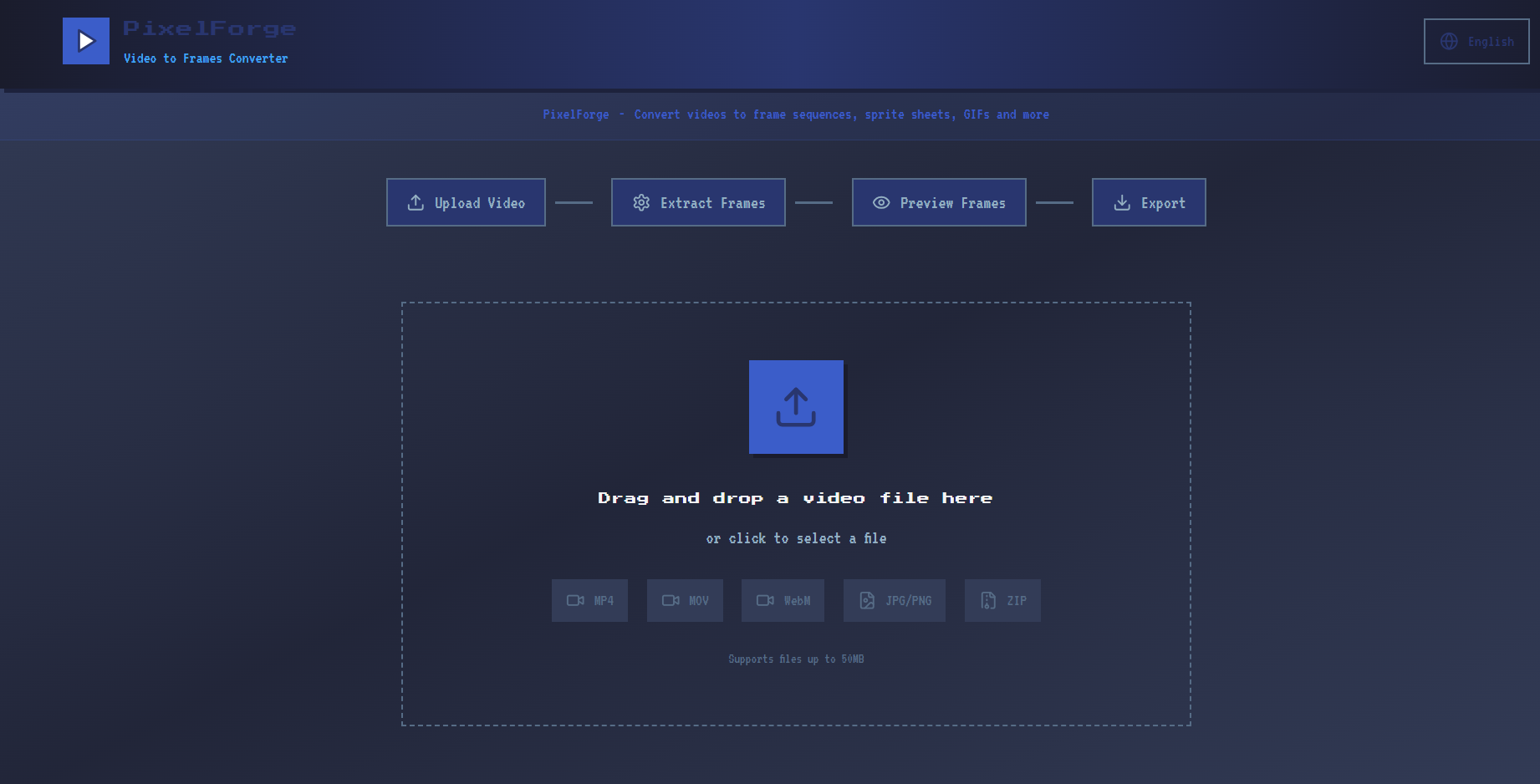
PixelForge is a desktop tool for game developers, pixel artists, and animators.
Turn any video file into Cocos / Unity / Godot-compatible sprite sheets with one click.
✨ Features
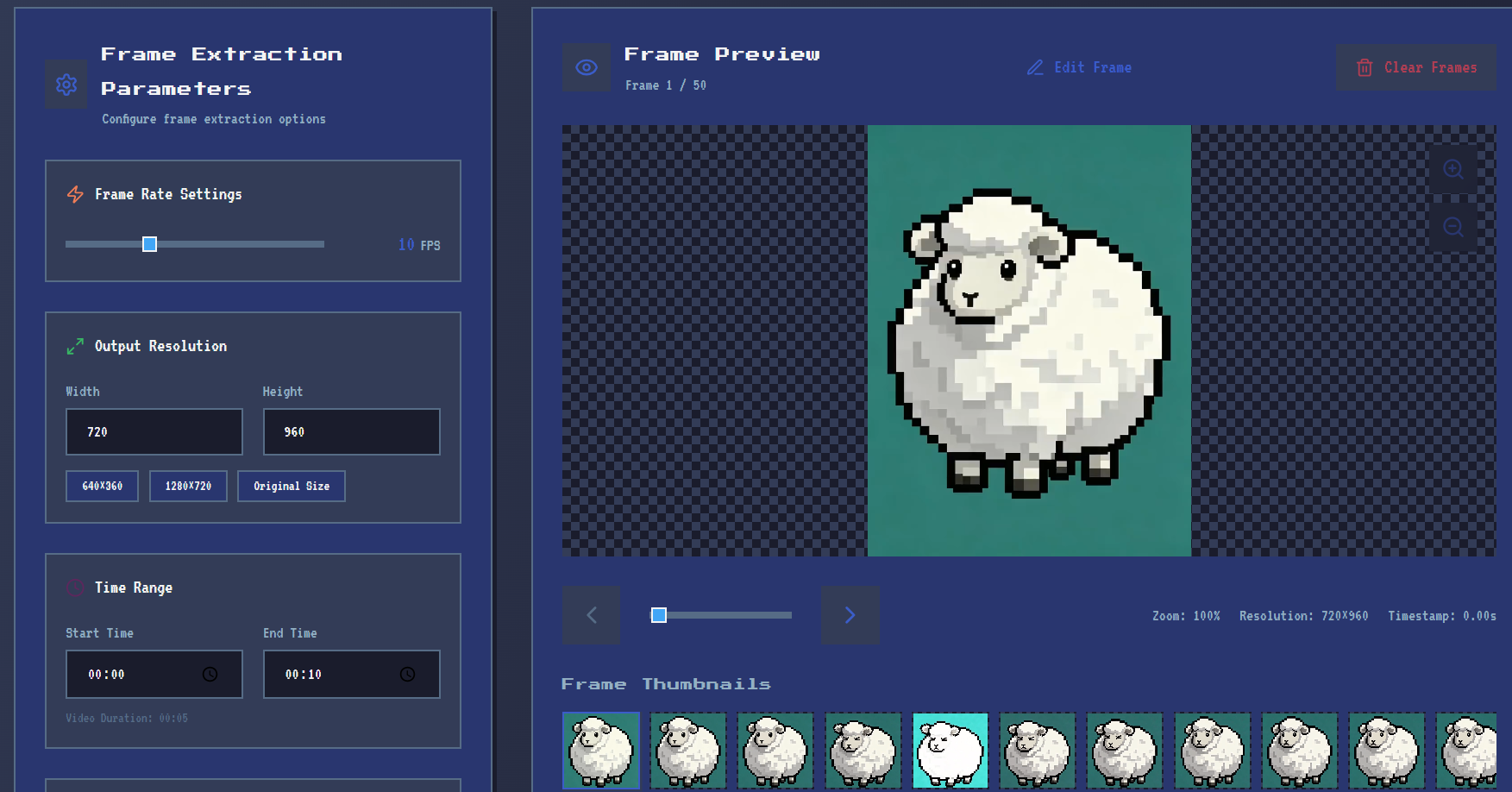
- 🎬 Smart Frame Extraction — Custom frame rate, crop area, and time range
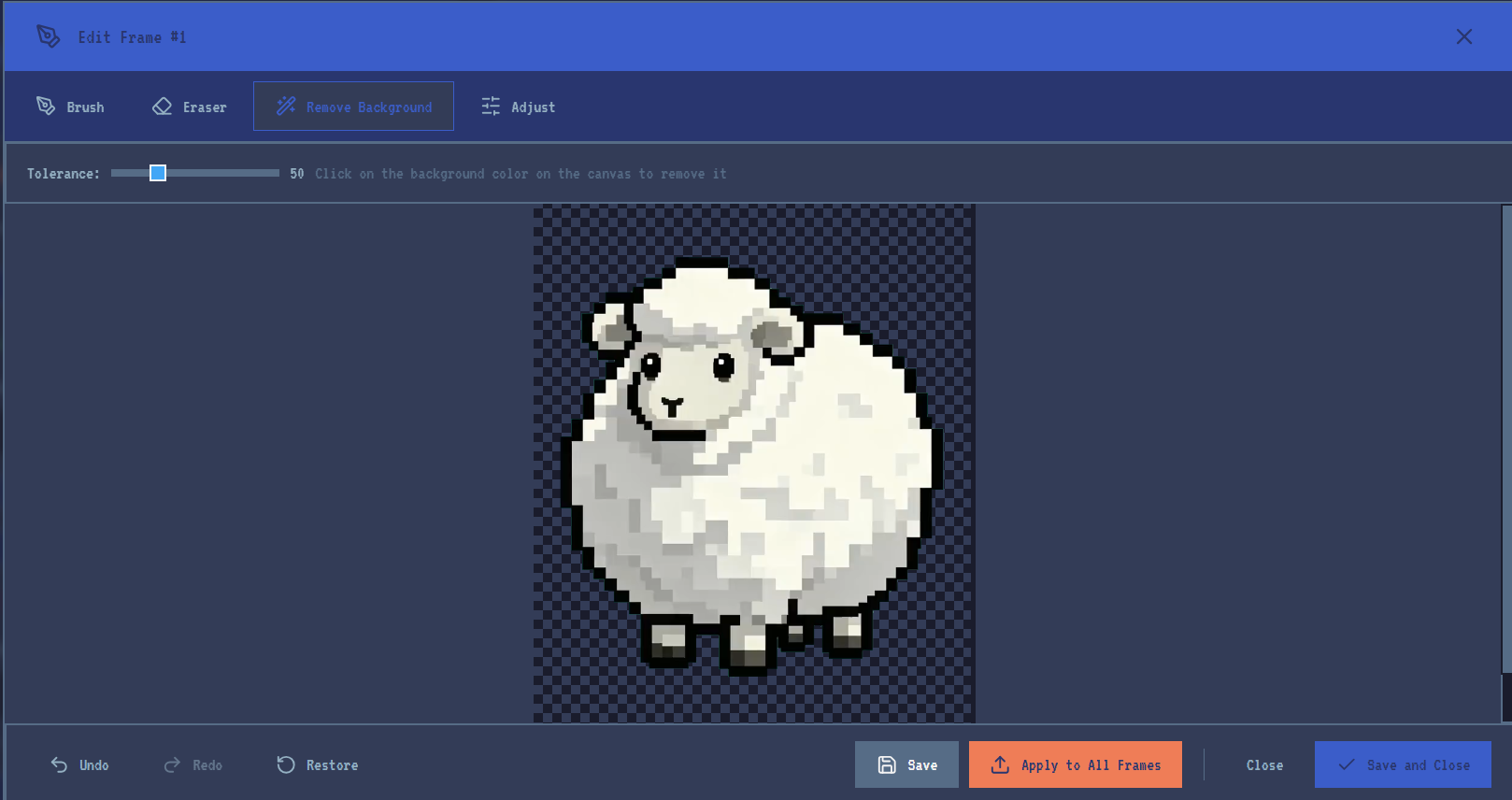
- 🪄 One-Click Color Removal — Chroma-key with tolerance slider
- 🖌️ Frame-by-Frame Editor — Brush, eraser, and color adjustments
- 🔄 Apply to All Frames — Batch-edit every frame in one go
- 🎮 Multi-Engine Export — JSON / tpsheet / plist description files
- 📦 4 Export Formats — ZIP, Sprite Sheet, GIF, MP4
- 🌐 3 Languages — English / 简体中文 / 繁體中文
- 🖥️ Desktop App — Offline, Windows installer + portable mode
🆓 Free Version
- ✅ Upload, frame extraction, background removal
- ✅ Sprite Sheet export (PNG-32)
- 🔒 Pro unlocks: Brush/Eraser, color adjustments, Apply-to-All, ZIP/GIF/MP4, PNG-8
💻 System Requirements
- OS: Windows 10 / 11 (64-bit)
- RAM: 2 GB minimum (4 GB recommended for long videos)
- Disk: ~150 MB for installation
Made with 💙 for indie game devs — by PixelForge Team
📦 Choose Your Version
| Version | Best For | What You Get |
|---|---|---|
| PixelForge Free 👈 Recommended | First-time users / simple background removal | Upload, frame extraction, background removal, Sprite Sheet (PNG-32) |
| PixelForge (Full) | Indie game devs & pros | Brush & Eraser, color tweaks, Apply-to-All-Frames, ZIP / GIF / MP4 / Sprite Sheet, PNG-8 |
💡 Not sure? Start with PixelForge Free. Upgrade inside the app anytime — no reinstall required.
🪟 Windows Installation (both versions)
Option A — Setup.exe Installer (Beginners)
- Download
PixelForge Free Setup 1.0.0.exeorPixelForge Setup 1.0.2.exe - Double-click to launch the installer
- If Windows SmartScreen appears: click "More info" → "Run anyway" (normal for unsigned software)
- Follow the wizard — default settings are fine
- Check "Create desktop shortcut" and finish
- Double-click the PixelForge Free or PixelForge icon to launch
Option B — Portable (No Install)
- Download & unzip the
win-unpackedrelease - Extract to any folder — avoid non-Latin chars in the path (e.g.
D:\Tools\PixelForgeFree\) - Open the folder and locate
PixelForge Free.exeorPixelForge.exe - Double-click to run — zero installation needed
🔍 Feature Comparison
| Feature | Free | Full |
|---|---|---|
| 🎬 Upload video (MP4 / MOV / WebM) | ✅ | ✅ |
| 🎞️ Custom frame rate / crop / time range | ✅ | ✅ |
| 🪄 One-click background removal (Chroma Key) | ✅ | ✅ |
| 🎨 Brush / Eraser tools | 🔒 Upgrade | ✅ |
| 🌈 Color adjustments (brightness/contrast/saturation/hue/blur) | 🔒 Upgrade | ✅ |
| 🔄 "Apply to All Frames" batch operation | 🔒 Upgrade | ✅ |
| 📦 Export ZIP (PNG sequence) | 🔒 Locked | ✅ |
| 🎮 Export Sprite Sheet (Cocos / Unity / Godot) | ✅ | ✅ |
| · JSON / tpsheet / plist description files | ✅ | ✅ |
| · PNG-32 quality | ✅ | ✅ |
| · PNG-8 quality (smaller files) | 🔒 Locked | ✅ |
| 🎞️ Export animated GIF | 🔒 Locked | ✅ |
| 🎥 Export MP4 video | 🔒 Locked | ✅ |
| 🌐 3 languages (English / 简体中文 / 繁體中文) | ✅ | ✅ |
| 🖥️ Fully offline desktop app | ✅ | ✅ |
| Price | FREE | PAID |
❓ FAQ
- Q: The app flashes and closes right after launch?
- A: Right-click → "Run as administrator", or move the folder to a path with non-Latin characters.
- Q: Background removal doesn't look clean?
- A: Increase the Tolerance slider first, then re-click the color you want removed on the canvas.
- Q: I need ZIP / GIF on Free version?
- A: Click any locked feature inside the app — an upgrade prompt appears. One purchase unlocks everything, no reinstall.
- Q: How do I import Sprite Sheets into Cocos / Unity / Godot?
- A: Check JSON / tpsheet / plist on export, then drag both the image and description file into your engine project. It auto-imports as an sprite animation.
- Please contact us via email at toolforgeteam@outlook.com for feedback if needed.
Purchase
In order to download this tool you must purchase it at or above the minimum price of $8.99 USD. You will get access to the following files:
Download demo
Development log
- v1.0.0 Official Stable Release73 days ago
Leave a comment
Log in with itch.io to leave a comment.